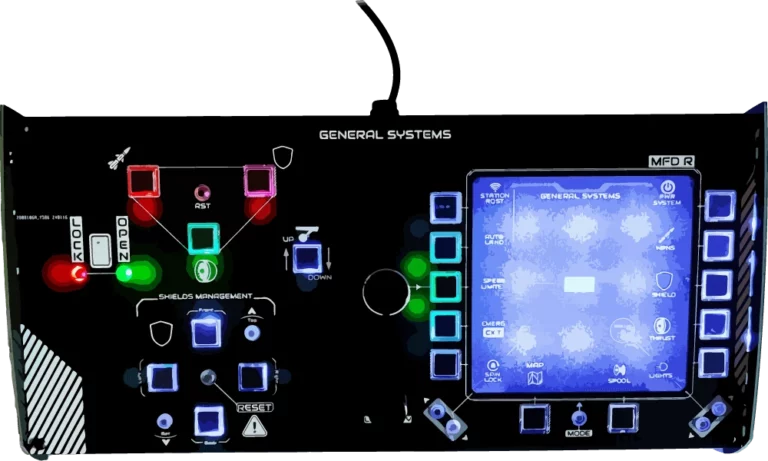
General Systems Panel
€200.00approx. $216 USD
Full target management at your fingertips
In stock
Price includes €0.08 eco-tax (WEEE). USB-C cable required (port or adapter).
Delivered with desktop legs — sits on any desk, next to your HOTAS.
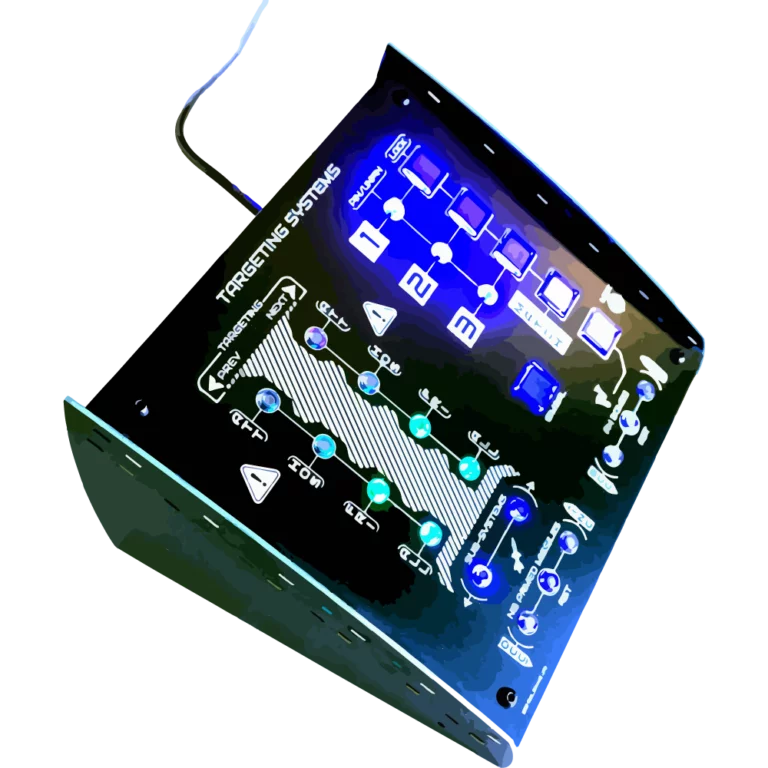
The Targeting Systems panel puts every Star Citizen targeting function on a dedicated, labeled, backlit button. Cycle through attackers, hostiles, friendlies or all targets with PREVIOUS / NEXT keys, jump straight to sub-systems like shields, thrusters and weapons, and keep your eyes on the fight instead of on your keyboard.
Three PIN / LOCK pairs let you pin and lock up to three targets, exactly mirroring the in-game pinning system. Dedicated keys handle missile and bomb counts (increase, decrease, reset), MATCH TARGET VELOCITY, GIMBAL mode and LOCK TARGET — the controls a combat pilot actually reaches for under pressure.
| Weight | 0.5 kg |
| Dimensions | 20 × 20 × 20 cm |
| Power draw | 160 mA |
| Connection | USB-C |
| Mounting | Desktop legs included |